QR Code Scanner & Scanner App
- 4.7
- Rating
- 100.00M
- Installs
- Free
- Price

 Analysis by App-foxy
I installed QR Code Scanner & Scanner App to see how well it handles the simple task most people expect from a tool like this: point a phone at a code, understand what is inside it, and move on without a long setup. My impression is that it is deliberately focused. It does not try to become a shopping assistant, document manager, or social app. It is a free utility from QR Code Scanner, listed in the Tools category, and its appeal comes from keeping the path between camera and result short.
That straightforward approach matters because scanning is usually something I do under mild pressure. I may be standing outside a café, looking at a payment instruction, joining a guest network, checking a product label, or opening a link printed on a letter. In those moments, I do not want to browse through menus or create an account. I want the camera to recognize the code and give me a sensible next step. This app is built around that expectation, although the final experience still depends on what the code contains and what I choose to do with the result.
From a printed code to a useful result
I find the most useful way to judge this scanner is to follow a code all the way from the object in front of me to the decision I need to make. That includes noticing who else shares the phone and whether the result should stay within one person’s account or be passed along. The scan itself may be quick; the next section looks at how I keep that handoff deliberate.
You May Also Like

 AccuWeather: Weather Radar
AccuWeather Review: A Quick, Clear Forecast for Everyday Decisions
For everyday plans, the best forecast is the one you can understand quickly. AccuWeather makes rain timing, radar, and local conditions easy to act on, with a few trade-offs.

 Hill Climb Racing
Why Hill Climb Racing Still Turns Crashes Into One More Run
A tiny car, a bumpy hill and one more upgrade: Hill Climb Racing keeps resurfacing because its simple chaos makes every near-miss feel personal.

 AliExpress - Shopping App
AliExpress Makes Global Shopping Feel Personal, but Shoppers Bear the Risk
AliExpress turns a global marketplace into a pocket-sized discovery engine. Its reach is useful, its shopping loop compelling, and its trade-offs easy to miss.

 Lords Mobile: Kingdom Wars
Lords Mobile Is a Kingdom-Building Routine, Not a Quick Match
A case-by-case verdict on the building, battles, device demands, and social commitments that make Lords Mobile rewarding for some players and exhausting for others.

 PDF Scanner app - TapScanner
TapScanner Makes Paperwork Easier to Capture, Check, and Share
TapScanner makes scanning with a phone feel less like a rescue operation and more like a dependable step in getting work done. Its capture tools are useful, though not flawless.

 Block Blast!
 Shows How Much a Puzzle Game Can Leave Out
A quiet grid game shows why puzzle players increasingly value instant clarity, repeatable skill and low-pressure play—and where the genre still needs to catch up.
More From Our News Desk
View All News


The starting condition is usually more important than the scanner
Before opening the app, I get better results when the code is clearly visible, reasonably well lit, and not covered by glare. That sounds obvious, but it is where many failed scans begin. A QR code on a glossy menu can reflect a ceiling lamp, while one on a curved package may look distorted from the wrong angle. I found it more useful to move the phone slightly than to keep tapping the screen in frustration.
The app is aimed at both QR codes and barcodes, so I can use the same tool for two different kinds of everyday input. A QR code often leads to digital content, while a traditional barcode is more likely to identify a retail item or another printed object. That distinction affects what happens after recognition. The scanner can read the pattern, but it cannot turn every result into a complete service. A code that contains a web address still needs a browser, and a product barcode may need a suitable search or shopping destination to become genuinely useful.
One practical strength is that I do not need to install a large multipurpose package just to read a code. The current release is version 1.6.6, and the app supports phones running Android 6.0 or later. That makes it relevant for people keeping an older Android device in service, provided the phone meets that system requirement. On newer phones, the benefit is less about compatibility and more about having a dedicated tool ready when the built-in camera does not offer the workflow I want.
A short scanning routine works best
My preferred routine is simple. I open the scanner, hold the phone so the entire code is visible, and wait rather than sweeping the camera rapidly across the image. If recognition does not happen immediately, I adjust distance and angle first. Moving closer is not always better; the code needs to fit comfortably inside the camera view, with enough surrounding space for the app to distinguish its edges.
This is also where the app’s lightweight character is useful. I can treat it as a task-specific instrument instead of a destination. The less I think about the interface, the more attention I can give to whether the source is trustworthy. That is an important distinction: fast recognition is convenient, but it should not make me automatically open an unfamiliar link or follow an unexpected instruction.
For a barcode on a small box, I turn the item until the lines are not washed out by reflections. For a QR code on another phone, I lower the brightness of the displaying screen if the white background is blooming in the camera. These small changes often matter more than repeatedly restarting the app. They are especially useful in real situations such as scanning a ticket, label, or restaurant code where I cannot control the printed material.
The handoff after recognition needs a little judgment
Once a code is read, the job changes from visual recognition to decision-making. The scanner has done its part, but I still need to inspect the result. If it is a familiar address, I can continue to the browser. If it contains contact details, a message, or plain text, I should check that the information looks intentional before copying it elsewhere. This extra pause is worthwhile because a QR code can hide a destination that is not obvious from the printed design.
I also avoid treating a successful scan as proof that an offer, payment request, or login page is legitimate. The app is a reader, not a security service or a guarantee about the person who created the code. That limitation does not make it a poor tool; it simply defines the boundary of the tool. I use it to expose the content, then I apply normal caution before handing the result to another app.
For a barcode, the handoff can be less predictable. Recognition tells me what pattern was present, but the usefulness of the next step depends on the information attached to that code and the service I use afterward. If I am checking an item while shopping, I may still need to search the number manually or compare the result with packaging details. The scanner saves the typing and reduces errors, but it does not replace that comparison.
Everyday workflow: scanning a café table code
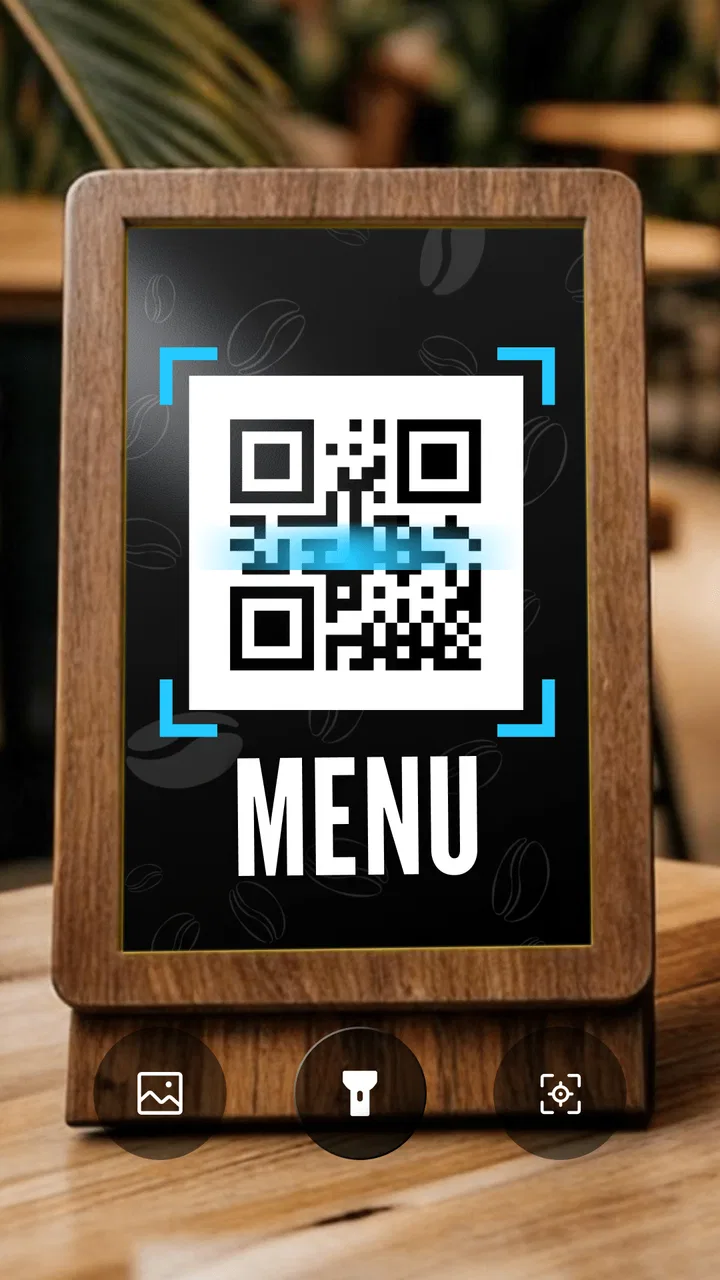
A realistic example is a café that places a QR code on each table. I open the app, frame the printed square, and let it identify the content. The result may be a web address, so the next handoff is to the browser. I check the visible address and page context before ordering or entering any information. If the page is slow, poorly formatted, or asks for something unrelated to the menu, I stop there rather than blaming the scanner.
This workflow shows where the app earns its place. It removes the need to type a long address from a small printed label, and it keeps the initial action focused. It also shows why I would not describe it as a complete ordering solution. The app gets me to the next service; the café’s website and my browser determine what happens afterward.
When the code is worn, partly hidden, or printed too close to a dark border, I may need to reposition the phone several times. That friction is not unusual for scanners, but it is worth knowing before relying on the app for an urgent boarding pass or time-sensitive entry. I would scan important codes in advance when possible, rather than discovering at the door that the physical print is difficult to read.
Where the flow breaks
The first break point is poor capture conditions. Glare, motion, low contrast, and an incomplete code can prevent recognition even when the app itself is working normally. A second break point is ambiguity after scanning. A result may be technically readable but not immediately useful, especially with product barcodes that require another lookup step.
The third break point is the surrounding task. If I need to manage a history of scans, organize documents, compare prices across several stores, or perform advanced business inventory work, a dedicated scanner may be too narrow. I would choose a more specialized solution when the workflow depends on records, exports, team sharing, or detailed catalog management rather than a quick one-off read.
There is also a practical trade-off around the free model. The app is free to download and use, while in-app purchases are listed at $4.99 per item. I would look at the exact purchase prompt before paying and decide whether the added value matches my occasional use. For someone who scans only a few times each month, a free focused utility may be enough. A frequent user should judge whether any paid option improves the particular workflow they repeat most often.
Who will get the most from it?
I think this app suits people who want a dedicated QR scanner and barcode reader without turning scanning into a project. It is a sensible choice for occasional shoppers, travelers, students, household users, and anyone who regularly encounters codes on packaging, signs, menus, or printed instructions. The Everyone content rating also makes it broadly approachable for general household use.
Its reach is reflected in its scale: it has passed 100 million installs, carries a 4.4 average from around 493 thousand ratings, and has about 5.3 thousand written reviews. Those figures suggest that the basic use case is familiar to a large audience, but they do not change the central question I would ask: does a simple reader match the way I actually handle scanned information?
I would skip it if I need a full document workflow, dependable inventory management, or a tool that automatically handles every type of code-related task. I would also avoid relying on it alone for sensitive links or payments. In those cases, the safer choice may be the official app for the service involved, the phone’s built-in camera when it offers a trusted preview, or a specialized business scanner with the records and controls I need.
Small habits that make it more dependable
My first useful habit is to scan in the original context but delay the handoff when the result is unfamiliar. I can read the destination without immediately opening it, then decide whether it matches the sign, package, or person who supplied the code. This keeps the app’s speed while preserving a basic safety check.
My second habit is to separate recognition problems from destination problems. If the code is not detected, I adjust lighting, angle, and distance. If it is detected but the next page fails, I treat that as a browser, network, or destination issue instead of repeatedly rescanning. That distinction saves time and prevents a simple handoff problem from becoming a confusing loop.
My third habit is to use the barcode mode for identification, not as an automatic promise of product information. I compare the recognized number with the packaging and then decide what source deserves my trust. This is particularly helpful when a product has several variants that look similar but have different sizes or versions.
A fourth insight is that the app is most valuable at the boundary between physical and digital information. It does not need to own the entire process. Its role is to remove the awkward manual step—typing, copying, or entering a long code—before handing the result to the right destination. Expecting it to perform the destination’s work is what creates disappointment.
My final take on the complete flow
After using it as a practical tool rather than judging it by its short name, I see QR Code Scanner & Scanner App as a good fit for quick, repeated moments when I need to convert a printed pattern into something my phone can use. The path is clear: present the code, let the app recognize it, inspect the result, and then pass it to the browser or another appropriate action.
The app’s strongest quality is that it stays close to that path. Its limitations are equally clear: difficult physical conditions can interrupt scanning, barcode results may need another lookup, and the app cannot verify the trustworthiness or usefulness of whatever the code leads to. Those are not reasons to dismiss it, but they are reasons to keep expectations realistic.
For my everyday use, I would recommend it to someone who wants a free, focused scanner for ordinary QR and barcode encounters, especially on an Android phone that meets the minimum system requirement. I would recommend a more specialized alternative when the outcome depends on saved scan records, inventory controls, deep product research, or a protected service-specific workflow. Used within its proper role, it is a convenient bridge from something printed in front of me to the next digital step.
FAQs for QR Code Scanner & Scanner App
01What features does the QR Code Scanner & Scanner App offer?
The QR Code Scanner & Scanner App offers a range of features including fast scanning of QR codes and barcodes, history tracking of scanned items, and the ability to generate custom QR codes. It supports various formats such as URL, text, contact information, and more, making it versatile for both personal and professional use.
02Is the QR Code Scanner & Scanner App secure to use?
Yes, the QR Code Scanner & Scanner App is designed with user security in mind. It does not require unnecessary permissions and ensures that scanned data is processed locally on your device. However, users should remain cautious about scanning codes from untrusted sources to avoid potential security risks.
03How user-friendly is the QR Code Scanner & Scanner App for beginners?
The app is highly user-friendly, with a straightforward interface that makes it easy for beginners to navigate. Simply open the app, point your camera at the QR code, and the app will automatically recognize and process the code. Additional features are accessible through clearly labeled menus and options.
04Does the QR Code Scanner & Scanner App require an internet connection?
The app can scan QR codes and barcodes without an internet connection. However, for certain features like accessing URLs or using online services linked through a QR code, an internet connection will be necessary. This ensures that the app remains functional in various situations.
05Is the QR Code Scanner & Scanner App available for both Android and iOS?
Yes, the QR Code Scanner & Scanner App is available for both Android and iOS platforms. Users can download it from the Google Play Store or the Apple App Store. The app is designed to function seamlessly on both operating systems, providing a consistent user experience across devices.
Pros
- Fast scanning with minimal delay.
- User-friendly interface for easy navigation.
- Supports multiple code formats.
- Lightweight app with low storage use.
- No intrusive ads during scanning.
Cons
- Limited customization options.
- Requires camera access permission.
- No direct link to tutorials.
- Premium features locked under paywall.
- Occasional crashes on older devices.

QR Code Scanner & Scanner App
Gallery